












NFC time tracking

Devices /

4.6/5 Reviews

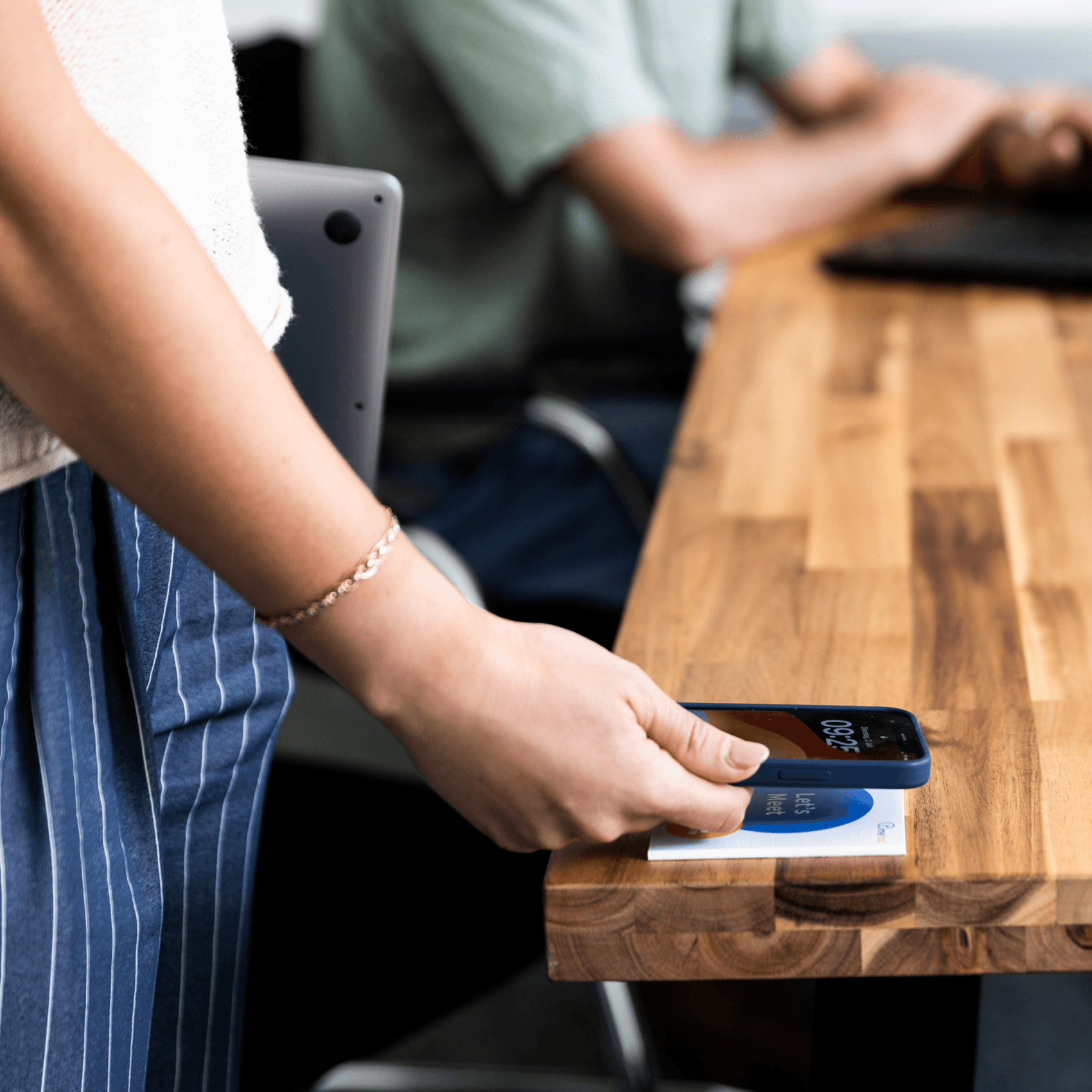
Hold. Done. You're clocked in.

With TimeTac’s NFC time tracking, employees clock in directly at the location, job site or terminal – via NFC tag, sticker or chip.

images social proof 10k 02

Over 10,000 companies trust TimeTac.

No credit card required. No hidden costs.

NFC time tracking
produkt mockup group 04
The right fit for every business
Works seamlessly alongside the app and terminal
Tamper-proof
Location and project-based proof of work
Built for mobile and on-site teams
Ideal for cleaning, care, security and construction
canon color 4x
logo die zeit
wwf color 4x
segafredo color 4x
samsung color 4x
logo immoscout24
Unternehmen vertrauen auf TimeTac
0 k+
erfasste Arbeitsstunden 2025
0 Mio.
aktive Projekte im Jahr 2025
0 k+
Jahre Erfahrung, auf die Sie zählen können
+ 0

Time tracking via NFC: as simple as contactless payment

image nfc scanning

Time tracking that anyone understands

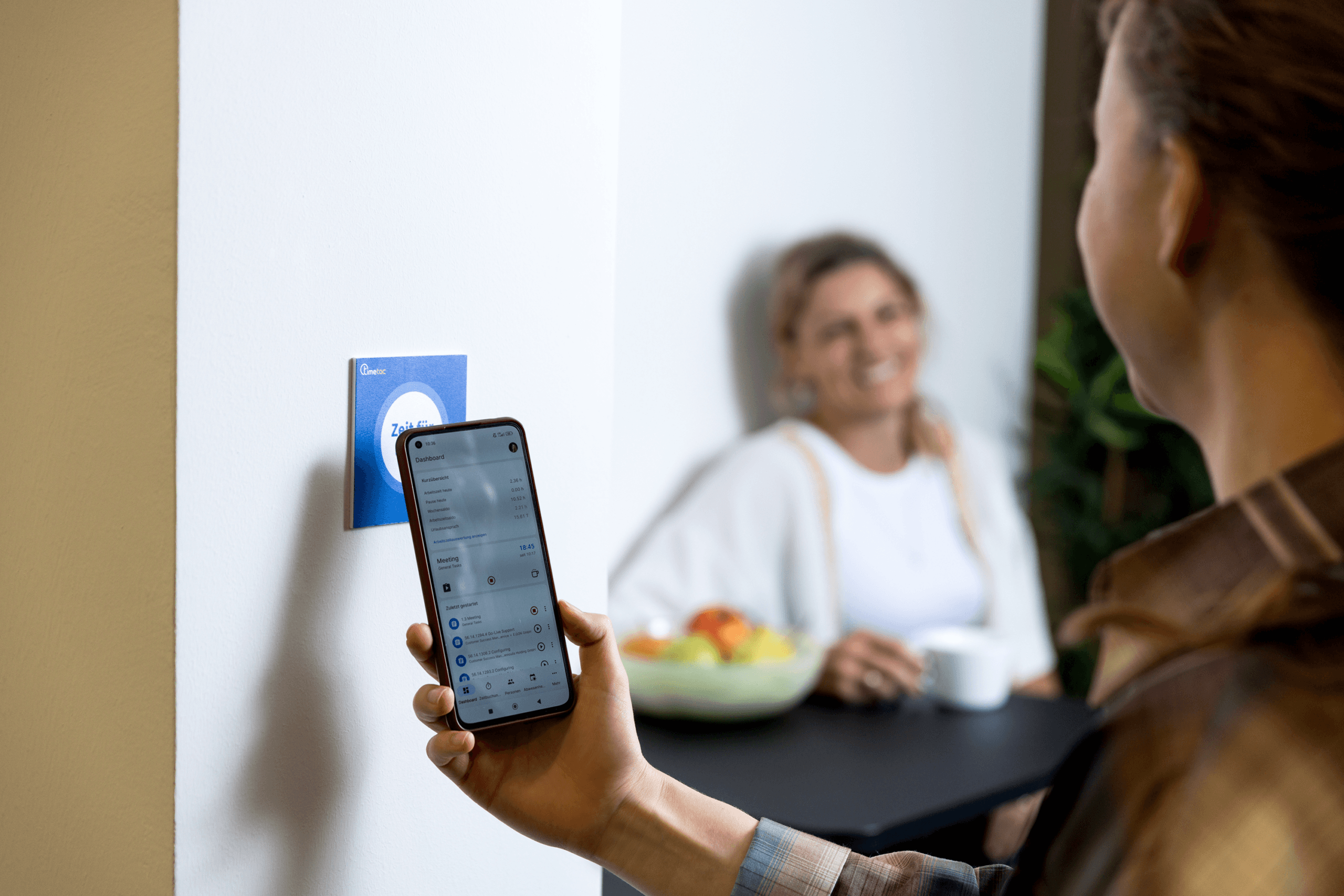
No learning curve, no barrier: a brief tap on the NFC tag is all it takes — via smartphone or terminal, time tracking starts automatically, no manual entry, no office PC required.
  • Perfect for quick clock-ins on the go
  • Start and stop with a single gesture
  • Works offline too – syncs automatically when back online
image nfc

Assign work hours precisely to locations, sites or machines

Construction site, care file or machine: because every NFC tag is assigned to a specific location or project, every time entry lands in the right place automatically – no follow-up questions, no corrections.
  • Complete proof of work for clients, contract partners and authorities.
  • Tamper-proof – entries only possible directly on site
  • Accurate foundation for project billing and cost control
Über timetac 4

Fixed, mobile or mixed – NFC adapts to your business

With TimeTac, NFC isn’t a standalone feature – it’s part of a time tracking platform that adapts to how your business works: flexible, cross-device and always expandable.

  • NFC stickers on machines or locations for project time tracking
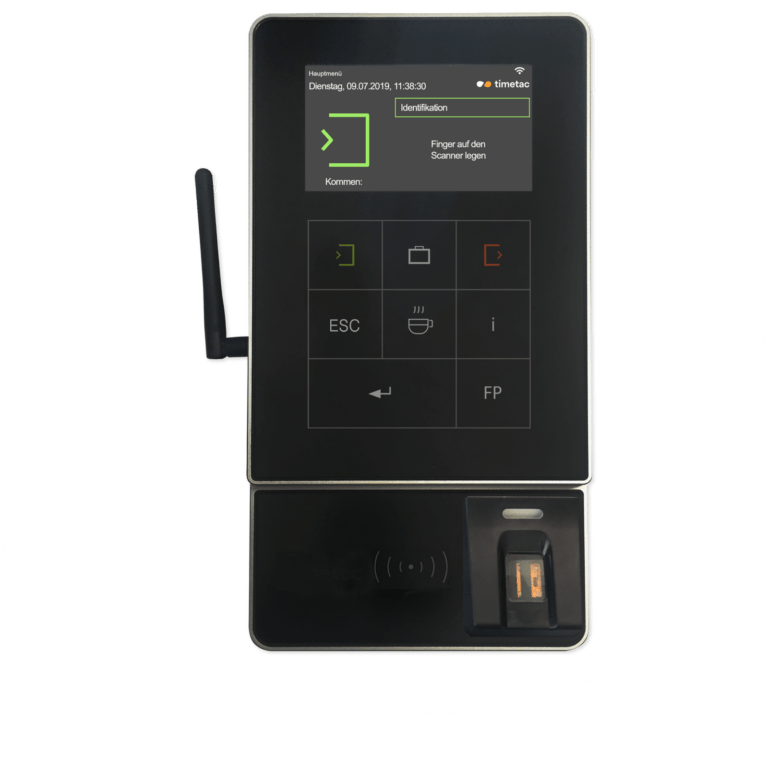
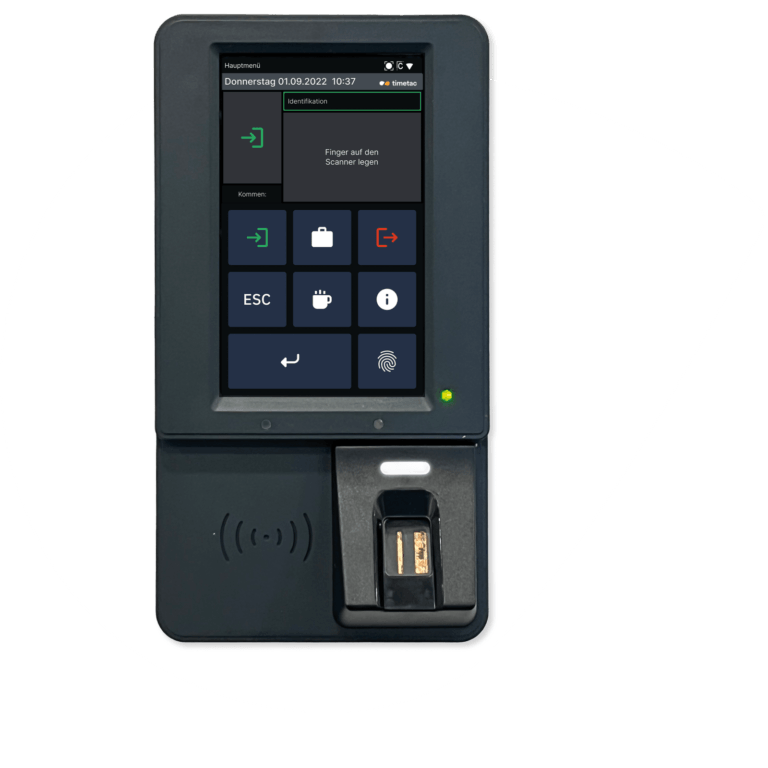
  • RFID/NFC chips and terminal as a fixed time clock on site
  • App with NFC for mobile teams on the go
image nfc desk

NFC time tracking for multiple industries and locations

NFC works wherever work happens – not just in care or field service.

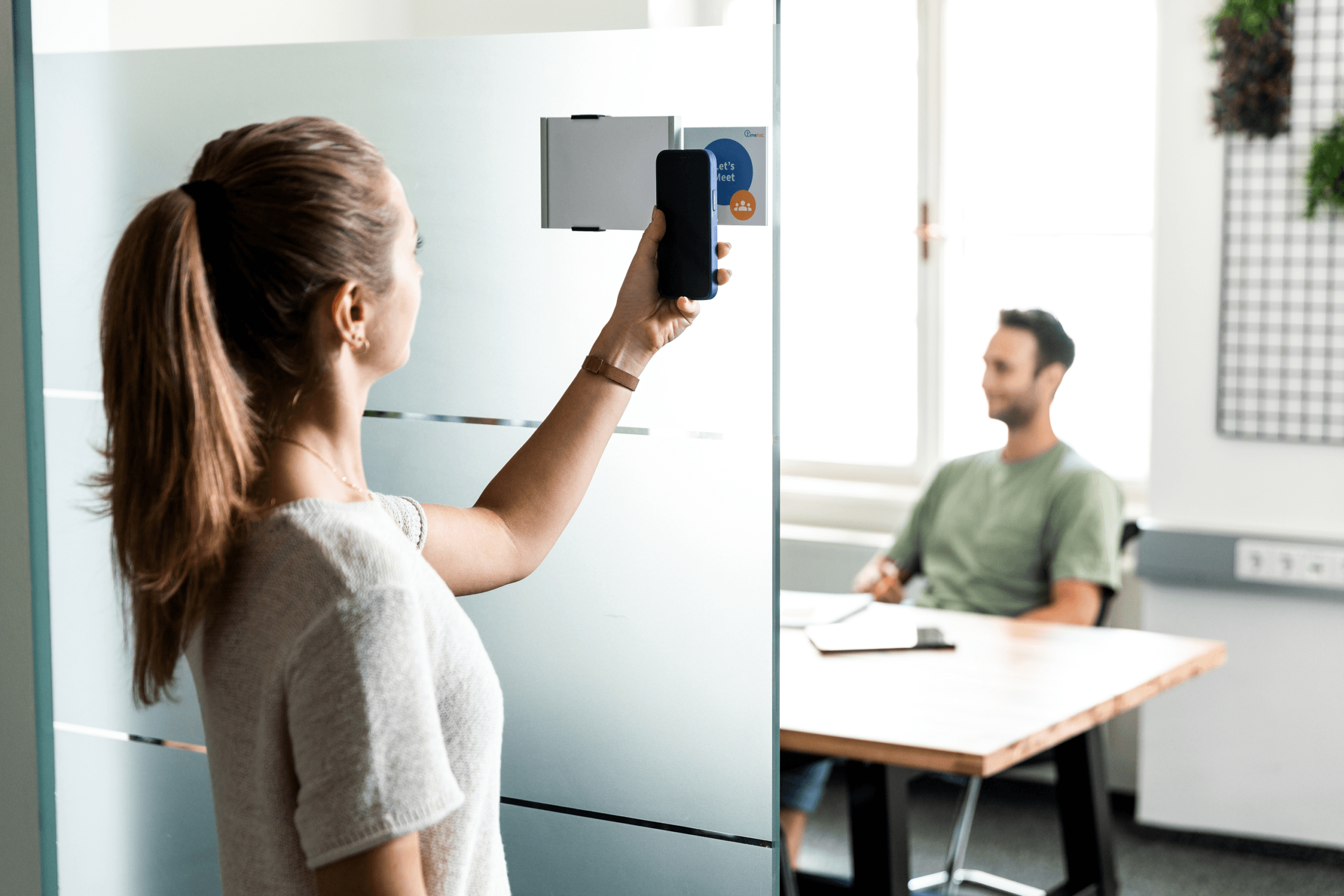
  • Meeting rooms in the office: log time by location
  • Fleet and travel time: clock in directly at the vehicle
  • Care and support services: document proof of work per patient or location
  • Cleaning and facility services: log time directly at the site or building
TimeTac logo

Log time contactlessly via app and NFC tags – every hour documented accurately, right where the work happens.

Start now

How NFC time tracking works with TimeTac

1

Step 1

Assign NFC Tags
Projects, locations, or objects are associated with an NFC tag once.
2

Step 2

Scan with the App
Employees simply hold their smartphone to the NFC tag.
3

Step 3

Automatically record time
TimeTac detects the location and automatically starts time tracking.
4

Step 4

Scan again to end
At the end of work, the NFC tag is scanned again, and time tracking is completed.
Try TimeTac free of charge and with no obligation for 30 days.

Higher productivity. Less administrative effort. More transparency.

Track time the way you want.

Multiple time tracking methods – choose what fits your day-to-day work.

terminal smart
Ready to go right away

Delivered preconfigured
and ready to use immediately.

On the go

One tap when entering or
leaving – and time is tracked.

terminal advanced
Intuitive to use

Ready to go without training –
everyone clocks correctly right away.

Tamper-proof

Track tamper-proof with fingerprint or chip
.

app mobil left 02
Track anywhere

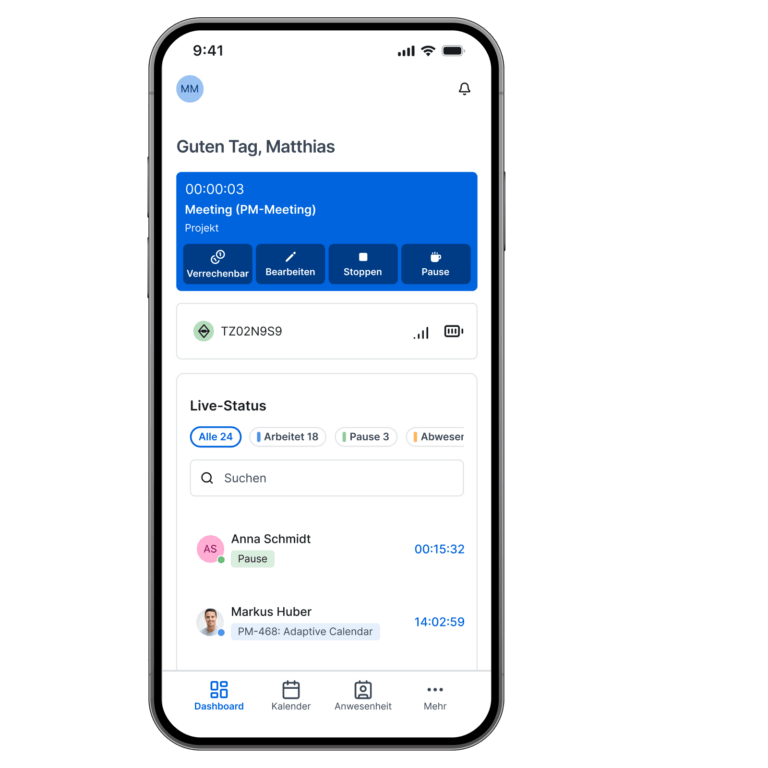
Clock time via smartphone
– in the office,
on the go or
from home.

Location verification

Clock time via GPS & geofencing –
legally compliant and with no rework.

Also offline

Track time seamlessly,
even without an
internet connection.

app mobil right
iOS & Android

Free on the App Store &
Google Play, incl. Apple Watch.

Everything in one app

Times, leave, projects –
no switching tools.

laptop left
No installation required

Start directly in the browser –
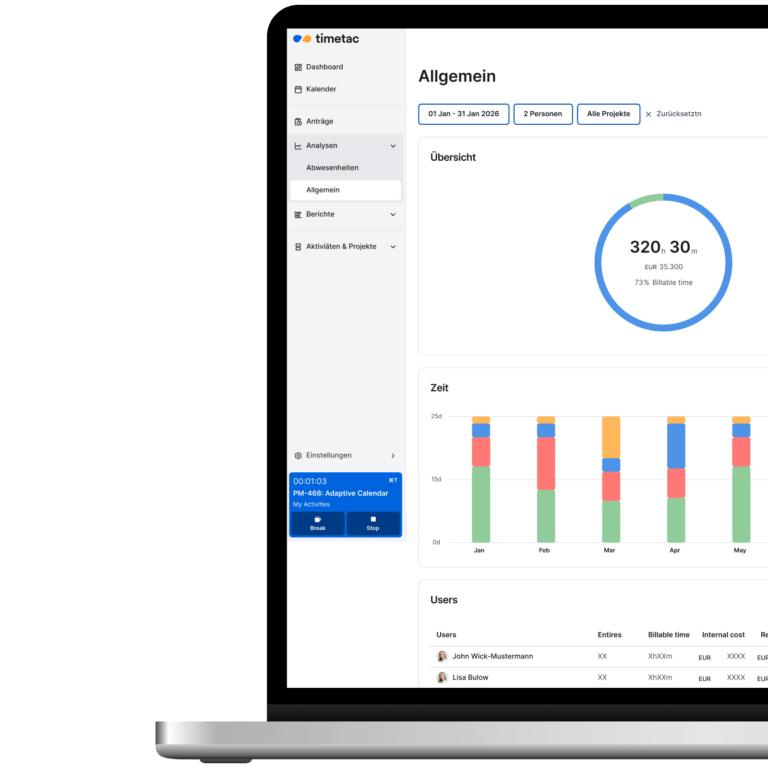
on any PC, Mac or tablet.

Device-independent

Windows, Mac, Linux –
runs anywhere, no setup required.

Always synced

Bookings visible immediately –
for employees and HR.

laptop right
Ideal at your desk

Track time with a click,
without an app or terminal.

Full feature set

Times, projects, leave –
full functionality in the browser.

tracker left
Simply turn

Track project time with a
hand movement.

Never forget again

Sits visibly on your desk
and reminds you to track.

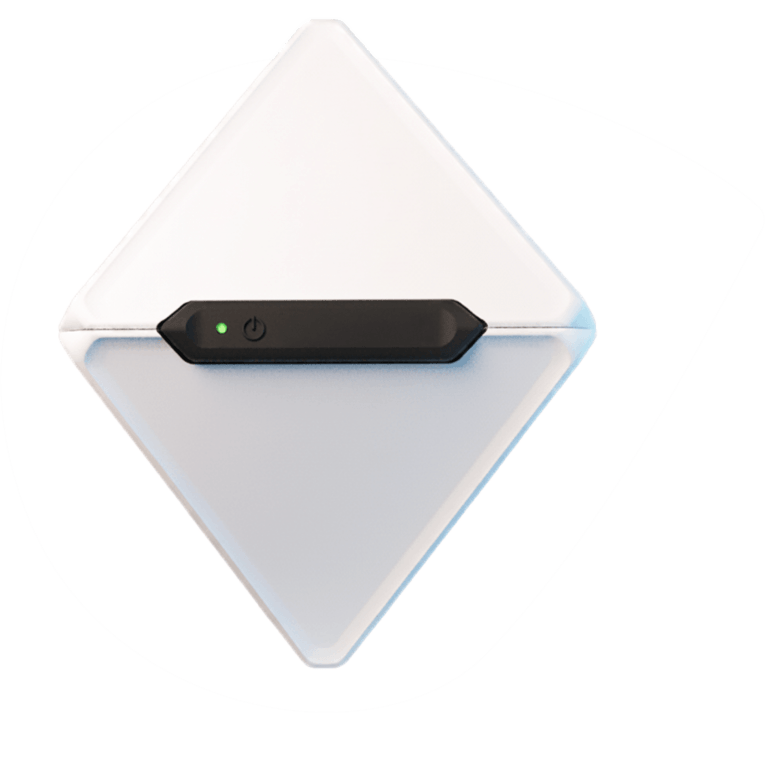
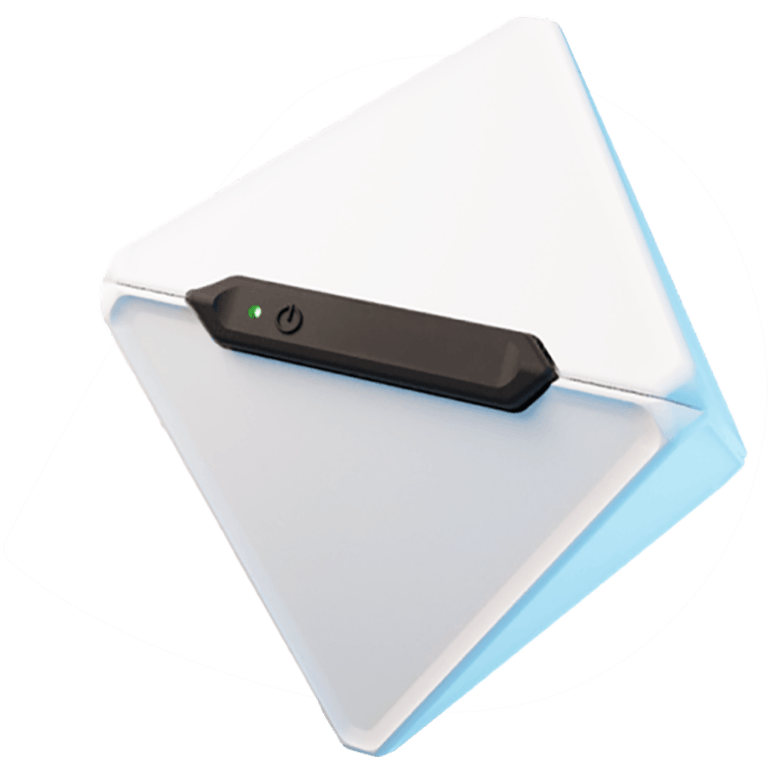
Up to 8 activities

Assign each side individually
to a task.

tracker right
6 months of battery life

Charge once –
no need to think about it for months.

Stay in the flow

No clicking, no searching –
work without interruption.

sticker left
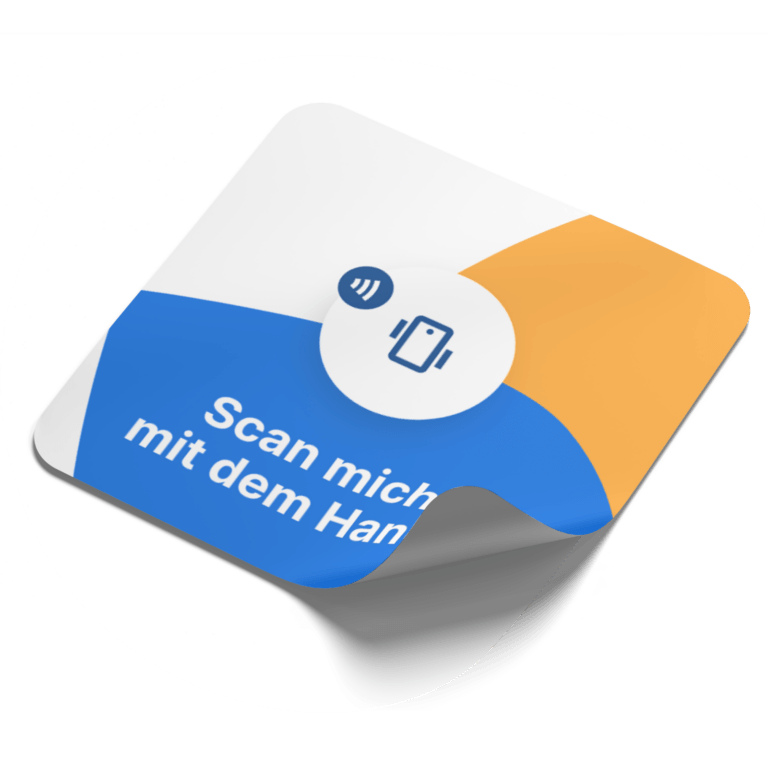
Clock with one tap

Hold your smartphone up to the NFC sticker,
chip or tag –
clocked instantly.

Tamper-proof

Bookings only possible directly on site
– reliably documented.

Precisely assigned

Automatically assign times to the
right location or
project.

sticker right
Flexible to use

Attach to machines, doors
or meeting rooms
.

Even without a network

Offline-capable, automatic
synchronisation in the background.

Do you still have questions? Please feel free to contact us!

trusted.de

| 4.5

logo omr reviews bigger

| 4.6

capterra

| 4.7

google

| 4.6

Frequently asked questions.

Hold your smartphone to the NFC tag – time tracking starts automatically, no manual entry required. To stop, simply scan again. The entry is immediately assigned to the right location or project and available instantly in TimeTac.
That depends on your preferred setup. For the mobile option, all you need is an NFC-enabled smartphone and NFC stickers – affordable, no power required and no installation needed. If you prefer a fixed solution, combine NFC/RFID chips with a terminal – no smartphone required. Both options can run in parallel within the same TimeTac system.
Yes. TimeTac meets legal requirements for work time recording and is GDPR-compliant. NFC tags themselves store no personal data – all data is processed and stored exclusively in TimeTac.
Yes. A single NFC tag can be used by any number of employees – TimeTac identifies who logged the entry based on the account they’re signed in with. This makes NFC particularly practical for shared locations such as machines, vehicles or meeting rooms.
Yes. In TimeTac, time entries can be corrected easily via the app or web app, with a defined approval process. All changes remain documented and traceable.
TimeTac offers multiple tracking methods: mobile app via smartphone, fixed terminals or browser-based entry at a PC. NFC can be combined with any of these – employees can use whichever method suits the situation.
NFC is ideal for businesses where employees don’t have a fixed office workstation or need to document hours directly on site – such as cleaning, care, construction, security or facility management. But NFC also works well in office environments: for location-based entries in meeting rooms or shared vehicle fleets.